


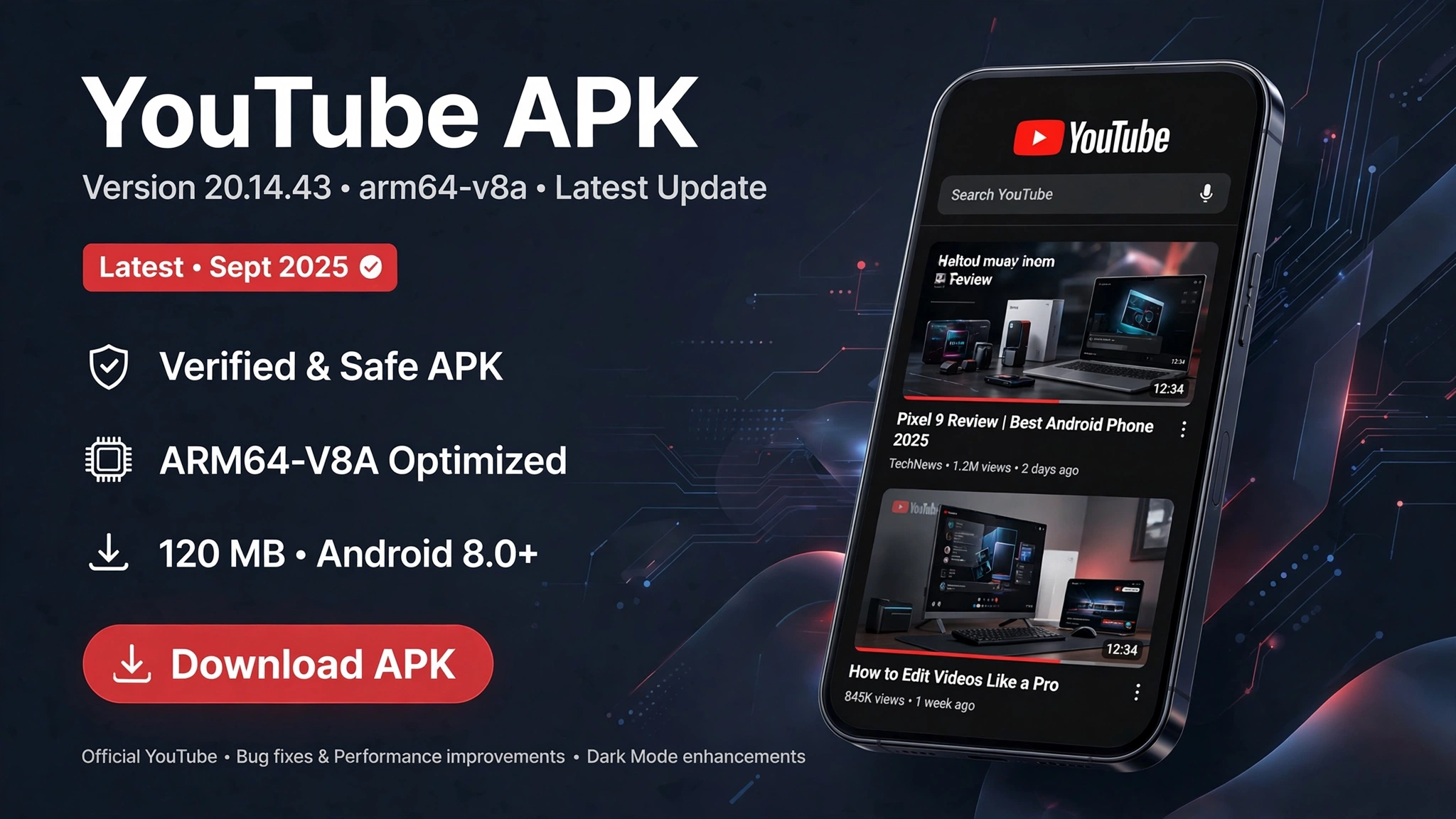
YouTube APK 20.14.43 ARM64-v8a is an Android installation package for version 20.14.43 of the official YouTube app, published by Google LLC. Released on April 13, 2025, this version supports Android 8.0 and newer and is designed to run on compatible Android devices, including many smartphones and tablets with 64-bit ARM processors.
The app lets users watch videos, follow channels, explore recommendations, access music and educational content, and manage their YouTube activity. The ARM64-v8a label identifies the processor architecture supported by a particular package; it does not indicate a separate edition of YouTube with exclusive features.
Although version 20.14.43 remains available through some third-party APK archives, it is an older release. If you want the safest and most reliable experience, installing or updating YouTube through Google Play is generally preferable to manually installing an APK.
What Is YouTube APK 20.14.43 ARM64-v8a?
An APK, short for Android Package Kit, is the file format used to distribute and install Android applications. YouTube APK version 20.14.43 refers to a particular release of Google’s video-streaming app, packaged for installation on Android devices. The version number identifies the software release, while ARM64-v8a identifies a 64-bit ARM processor architecture commonly used in modern Android phones. This information allows users to check whether the APK file is compatible with their Android device before installing it.
The official app uses the package name com.google.android.youtube. The archived version 20.14.43 has a minimum requirement of Android 8.0, also known as Android Oreo, and targets Android 15 according to its published package information.
It is important to distinguish the official Google app from modified versions that use similar names. A file advertised as YouTube APK 20.14.43 may have been repackaged or altered, so the version number alone does not establish its authenticity.
Key Features of YouTube 20.14.43


 YouTube version 20.14.43 delivers the app’s essential features for watching and exploring videos on Android devices. Its main functions include video playback, channel subscriptions, personalized recommendations, search, and access to a user’s saved and previously watched content.
1. Video Streaming and Playback
The app lets users watch content across a wide range of categories, including entertainment, music, gaming, sports, news, tutorials, and educational videos. Playback quality depends on the original video, the device, the internet connection, and the options available for that particular video.
Users can search for content, open videos from their subscriptions, and explore recommended material. Playback settings and other controls may vary depending on the device and the content being watched.
2. Personalized Recommendations
YouTube’s Home feed suggests videos based on factors such as your watch history, subscribed channels, and activity across the platform. These recommendations can help users discover creators and topics that match their interests.
Users can also influence their recommendations by managing their watch history, selecting feedback options, and subscribing to channels they want to follow. The precise recommendations will differ from one account to another.
3. Subscriptions and Notifications
The Subscriptions section helps users find recent uploads from channels they follow. This is particularly useful for people who regularly watch specific creators, educational channels, or news sources.
Notifications can alert users to new uploads or other channel activity, depending on their settings. Notification delivery also depends on Android permissions, device settings, and the notification preferences configured within YouTube.
4. Search and Video Discovery
YouTube’s search feature allows users to find videos, channels, playlists, and other content by entering keywords or specific titles. Search filters, where available, can help narrow results according to factors such as upload date, duration, or content type.
The Explore experience also provides ways to discover popular topics and content categories. What appears in these sections may vary by region, account, and YouTube’s current interface.
5. Library and Saved Content
The Library area provides access to useful parts of a user’s YouTube activity, including watch history, liked videos, playlists, and saved content. Its exact organization may vary with account status and interface changes.
These tools make it easier to return to a tutorial, revisit a music video, or continue organizing content for later viewing. Availability of certain features may depend on sign-in status and regional support.
6. YouTube Premium Compatibility
YouTube Premium offers additional benefits, which can include ad-free viewing, background playback, and offline downloads in supported circumstances. However, installing APK version 20.14.43 does not automatically unlock Premium features.
Access to paid benefits depends on an eligible subscription, account status, regional availability, and the applicable terms. An APK advertised as a free Premium version should be treated with caution, particularly if it has been modified by an unknown distributor.
YouTube APK 20.14.43: Technical Specifications
The following details describe the archived release listed by APKMirror. The download size may differ depending on whether the file is a single APK or a package bundle that includes several components.
|
Specification |
Details |
|---|---|
|
App name |
YouTube |
|
Version |
20.14.43 |
|
Developer |
Google LLC |
|
Package name |
|
|
Release date |
April 13, 2025 |
|
Minimum Android version |
Android 8.0 (Oreo) |
|
Target Android version |
Android 15 |
|
Architecture |
ARM64-v8a among supported architectures |
|
Package format |
APK or APK bundle, depending on variant |
|
Primary function |
Video streaming and content discovery |
These specifications are based on published archive information for this release.
What Does ARM64-v8a Mean?
ARM64-v8a is an Android application architecture identifier for 64-bit ARM processors. It is commonly associated with modern Android devices, including many phones and tablets powered by processors from manufacturers such as Qualcomm and MediaTek.
Choosing the correct architecture matters because Android packages may contain native code built for specific processor types. An incompatible package may fail to install or run correctly, even if the Android operating system version meets the minimum requirement.
Many phones also support multiple Android application architectures, and some APK distributions are universal rather than restricted to a single processor type. If you are unsure which package your device supports, Google Play is generally the easiest option because it selects a compatible version automatically.
How to Download YouTube APK 20.14.43 ARM64-v8a
The recommended option is to install YouTube through the Google Play Store, which provides a compatible release for your device and helps you receive future updates.
If you specifically need version 20.14.43, for example, to test an older app version, use care when selecting an archived package. APKMirror lists this release under its YouTube20.14.43archive, including package variants and compatibility information.
Before downloading, check the version number, Android requirements, processor architecture, file format, and digital signature. Avoid download pages that disguise modified applications as official Google releases or require unrelated software to be installed.
How to Install YouTube APK on Android
If you have a legitimate APK file and understand the risks of installing apps outside Google Play, follow these general steps.


 Step 4: Verify the installation
Important: Version 20.14.43 is distributed in different formats. An APK bundle may contain multiple split APK files and may require a compatible installer; it cannot always be installed by tapping it like a standalone APK.
Is YouTube APK 20.14.43 Safe?
The official YouTube application is developed by Google, but the safety of a downloaded file depends on whether it is authentic and has remained unmodified. A file hosted on a third-party website is not automatically unsafe, nor does a familiar app name guarantee that a particular download is genuine.
For the archived release, APKMirror lists a Google LLC signing certificate and provides file-verification information. These checks are useful, but you should still confirm that the downloaded file matches the expected signature and has not been repackaged.
Follow these precautions when installing an APK:
-
Verify the publisher: Check that the app is signed by the expected developer.
-
Avoid modified packages: Unofficial versions may introduce tracking, unwanted advertisements, or other changes.
-
Protect your account: Never enter your Google credentials into an unfamiliar installer or unrelated website.
-
Keep security protection enabled: Do not disable Play Protect merely to install a file that triggers a warning.
-
Prefer current updates: Older releases may lack newer fixes or compatibility improvements.
The safest everyday option remains Google Play, especially if you use YouTube while signed in to your primary Google account.
Common Installation Problems and Solutions
App Not Installed
This message can appear because of an incompatible package, insufficient storage, an installation conflict, or a signature mismatch. Check the package format and make sure you are not attempting to install a version signed differently from the existing app.
If the problem involves a signature mismatch, do not uninstall or overwrite your existing app without considering the consequences. First, check whether the download is authentic and whether a compatible update is available through Google Play.
Parsing Error
A parsing error may indicate that the downloaded file is incomplete, corrupted, or incompatible with the Android version on your device. Downloading a compatible package from a trusted source may resolve the issue, provided the file is legitimate.
YouTube Keeps Crashing
Crashes may result from an outdated release, corrupted application data, device compatibility problems, or conflicts with system components. Try restarting the phone, checking available storage, and updating YouTube and Google Play services.
If the problem persists, return to the official app available through Google Play rather than trying several unknown APK files.
Sign-In or Playback Problems
Older versions may encounter server-side changes, authentication issues, or compatibility problems that were not present when the release first appeared. Check your internet connection, confirm that your device’s date and time are correct, and install a supported update if needed.
YouTube APK 20.14.43 vs. the Latest Version
Version 20.14.43 was released in April 2025, so it should be considered an older version rather than the current release. Newer versions may include security fixes, bug fixes, interface changes, and updated compatibility with Android devices.
The older version may appeal to users who need a specific release for testing or troubleshooting. However, there is no general guarantee that it will perform better, use less battery, or provide features unavailable in newer versions.
For most users, keeping YouTube updated is the more practical choice. Older versions can eventually encounter problems with newer Android releases or YouTube’s changing services.
Frequently Asked Questions
Does YouTube APK 20.14.43 support Android 8?
Yes. The archived release lists Android 8.0 (Oreo) as its minimum supported Android version. Actual performance can still vary by device and available system components.
Is ARM64-v8a suitable for my phone?
It is suitable if your device supports the ARM64-v8a architecture and meets the package’s other requirements. Many modern Android phones support 64-bit ARM applications, but checking device compatibility is recommended.
Does this version remove advertisements?
No. The standard official YouTube app does not automatically remove advertisements because it is installed from an APK. Ad-free viewing is a YouTube Premium benefit where available.
Can I install it over my existing YouTube app?
An update generally requires a compatible package signature and an appropriate version relationship. If the signatures do not match, Android may reject the installation.
Is YouTube 20.14.43 the latest version?
No. It was released in April 2025, and newer releases have since appeared. Check Google Play for the version currently offered to your device.
Can I use this version without a Google account?
Some videos and browsing features may be available without signing in, but account-dependent features such as subscriptions tied to your account, personalized history, and synchronized playlists require sign-in.
Final Thoughts
YouTube APK 20.14.43 ARM64-v8a is an older release of Google’s official Android video application, intended for compatible devices running Android 8.0 or newer. It provides the familiar YouTube experience, including video streaming, subscriptions, recommendations, search, and saved content.
The ARM64-v8a designation identifies processor compatibility, not a special edition of the app. Before installing the package, verify its authenticity, check its requirements, and understand the limitations of using an older release.
For most people, Google Play is the best way to install YouTube safely and receive ongoing updates. Manual APK installation is better reserved for specific compatibility or testing needs when the file’s origin and integrity can be verified.
