


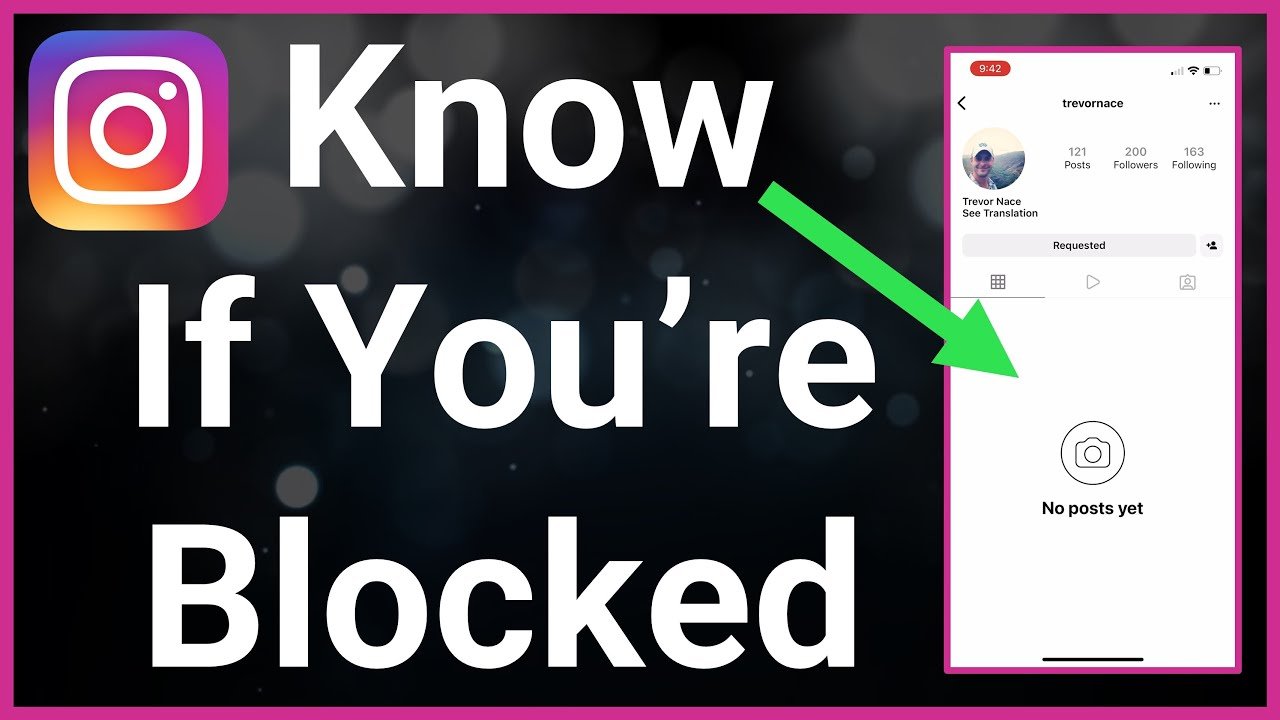
Wondering whether someone has blocked you on Instagram can be confusing, especially when their profile suddenly disappears or you can no longer interact with their posts. Instagram does not send a notification when another person blocks you, so you have to look for several signs rather than relying on a single clue.
In 2026, Instagram continues to provide privacy controls that can make it difficult to distinguish between being blocked, having someone deactivate their account, or simply being unable to find a particular profile. The good news is that you can use a few simple checks to determine what is most likely happening.
What Changes on Instagram When Someone Blocks You?
When someone blocks your Instagram account, Instagram restricts your ability to find and interact with that person’s profile. You may no longer be able to view their posts, stories, profile information, or other public activity from your account.
Depending on the circumstances, an existing conversation may also behave differently, and searching for the person’s username may no longer produce the profile you expect. However, these symptoms can also occur when an account has been deactivated, deleted, suspended, or changed its username.
Because of this, it is better to look for several signs before concluding that you have been blocked.
Search for Their Instagram Username
The first and easiest way to check whether someone blocked you is to search for their Instagram username. Open Instagram, go to the search section, and enter the exact username you remember.
If the account does not appear, this could indicate that you have been blocked. However, it is not definitive because the person may have changed their username, deleted their account, temporarily deactivated it, or Instagram may not be displaying the account correctly.
Try searching carefully for spelling mistakes as well. A small difference in the username can make it appear as though the profile no longer exists.
Check Your Previous Instagram Conversation
If you have previously exchanged direct messages with the person, open your Instagram Direct Messages and look for the old conversation. A conversation that still appears in your inbox can provide another useful clue.
Try opening the person’s profile from the conversation if Instagram allows you to do so. If their profile cannot be viewed or their content appears unavailable, blocking is one possible explanation.
Still, a missing or inaccessible profile does not automatically prove that you have been blocked. Account deactivation, deletion, restrictions, or technical issues can create similar results.
Visit Their Profile From Another Account
One of the more useful ways to investigate is to search for the same Instagram profile while logged into a different account that is not blocked by the person.
For example, if the profile cannot be found from your account but is visible from another account, that is a much stronger indication that your account may have been blocked.
However, remember that privacy settings can affect what another account sees. A private account may be visible but its posts may remain unavailable unless that account is an approved follower.
Try Searching Without Logging Into Your Account
If the profile is public, you may also be able to check whether the account exists by searching for its Instagram profile through a web browser while logged out.
If the profile appears publicly outside your account but cannot be found when you are logged into your Instagram account, blocking becomes a more likely explanation.
This method is less reliable for private accounts, recently changed usernames, or accounts that have been removed or restricted by Instagram.
Check Whether Their Posts Are Still Visible
Another possible sign is that you suddenly cannot see any posts from an account you previously followed or regularly viewed.
If the profile becomes inaccessible and its posts disappear at the same time, blocking could be responsible. However, Instagram users can also archive posts, make their account private, remove followers, or temporarily deactivate their account.
Therefore, disappearing posts should be treated as one clue rather than conclusive proof.
Look for Their Profile in Old Comments or Mentions
You can also check old comments, tags, mentions, or posts where the person previously interacted with you.
If their username appears differently, the profile link no longer works, or you cannot open the account from an old interaction, something may have changed with the account.
This can happen after a block, but it can also happen after a username change or account deletion. Comparing what you see from your account with what is visible from another account can provide additional context.
Does Instagram Notify You If Someone Blocks You?
No, Instagram does not normally send a notification telling you that another user has blocked your account.
This is intentional because blocking is a privacy feature. The person who blocks you generally does not need to provide you with an explanation, and Instagram does not provide a dedicated notification confirming the action.
As a result, websites and third-party apps claiming that they can provide an official list of people who blocked you should be approached carefully. Avoid giving unfamiliar services your Instagram login credentials.
Blocked vs. Deactivated Instagram Account
One of the biggest challenges is distinguishing a block from a deactivated or deleted account.
If another person has deactivated or deleted their Instagram account, their profile may also disappear from search and become inaccessible to other users. In that situation, you may see the same basic symptoms as you would after being blocked.
The best way to distinguish the two is to compare the account’s visibility from another account. If nobody can find the profile, the account may have been deactivated, deleted, suspended, or otherwise made unavailable.
If other people can still access the profile while you cannot, being blocked becomes considerably more likely.
Could They Have Changed Their Username?
A username change is another common reason an Instagram profile suddenly seems to disappear.
If someone changes their username, searching for the old username may no longer lead you to their profile. This can easily be mistaken for a block.
Try searching for their name, checking mutual followers, or looking through older interactions to see whether you can identify a new username.
Could Instagram Be Having a Technical Problem?
Before assuming that someone blocked you, consider the possibility of an Instagram technical issue.
Temporary problems with search, profile loading, messaging, or account visibility can sometimes make profiles appear unavailable. Updating the Instagram app, restarting it, checking your internet connection, and trying again later can help rule out a temporary problem.
If multiple unrelated profiles are also failing to load correctly, the issue is more likely to be technical rather than specific to one person.
Can Third-Party Apps Tell You Who Blocked You?
You should be cautious with apps that promise to reveal exactly who has blocked you on Instagram.
Instagram does not provide ordinary third-party apps with a guaranteed official list of accounts that have blocked you. Services that ask for your Instagram password or request unusual account permissions can create unnecessary privacy and security risks.
It is safer to use Instagram’s own features and simple profile checks rather than handing your login information to an unfamiliar service.
The Most Reliable Way to Check
There is no single button in Instagram that confirms whether another person has blocked you. The most reliable approach is to combine several observations.
Search for the username from your account, check an old conversation or profile link, and then compare the result with what is visible from another account or a logged-out browser. If the profile exists for others but consistently remains unavailable to you, blocking is a strong possibility.
If the profile is unavailable everywhere, however, the person may have deleted, deactivated, changed, or lost access to the account instead.
Final Thoughts
Finding out whether someone blocked you on Instagram can be frustrating because Instagram does not provide a direct confirmation. The disappearance of a profile, missing posts, or an inaccessible conversation can all be signs, but none of them alone proves that you have been blocked.
For the most accurate answer, compare multiple signs and avoid relying on third-party “block checker” services. If the account is visible to other people but not to you, blocking is likely; if it has disappeared for everyone, another account-related explanation is more likely.
In short, the best way to check if someone blocked you on Instagram in 2026 is to search for their profile, review previous interactions, and compare its visibility from another account or while logged out.
