


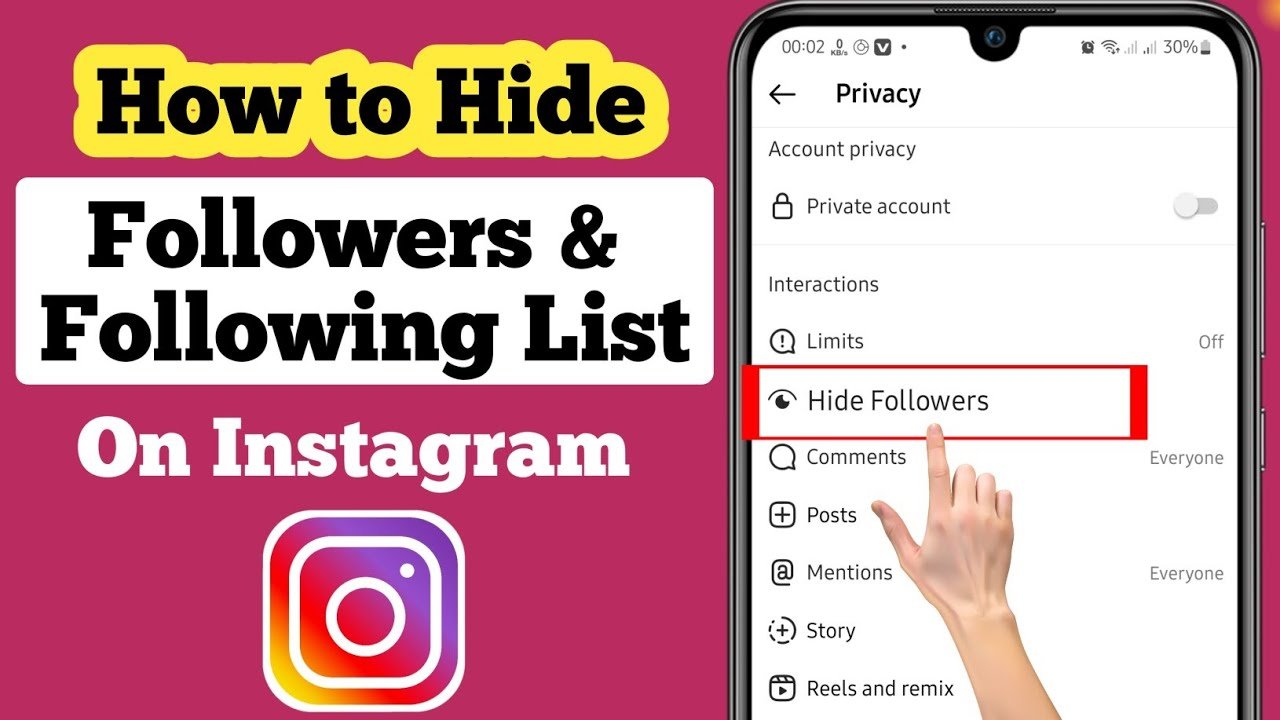
Instagram gives users several privacy controls, but there is no universal setting that lets you completely hide your following list from everyone while keeping your account public.
Your following list can generally be viewed by people who have access to your profile. However, you can make your account private, remove unwanted followers, block specific accounts, and use other privacy settings to limit who can see information about your Instagram activity.
Understanding how these options work can help you keep your following list more private without unnecessarily changing the way you use Instagram.
Can You Completely Hide Your Instagram Following List?
Instagram does not currently provide a dedicated “Hide Following List” button that allows a public account to keep its following list completely invisible.
If your profile is public, other people may be able to access your followers and following information through your profile. Instagram’s privacy tools instead focus on controlling who can access your account and interacting with individual accounts.
For users who want stronger privacy, switching the profile to a private account is usually the most practical option.
How to Hide Your Following List by Making Your Account Private
The simplest way to restrict access to your Instagram profile is to switch from a public account to a private account.
Open Instagram and go to your profile. Tap the menu icon, open Settings and activity, and look for the account privacy options.
Turn on Private account and confirm the change if Instagram asks you to do so.
Once your account is private, people who are not approved followers cannot freely view your profile content and information in the same way they could when your account was public. Existing approved followers, however, may still be able to see your following list.
Remove People You Do Not Want Following You
Making your Instagram account private does not automatically remove people who already follow you.
If there is a particular person you do not want to have access to your profile information, you can remove that person from your followers.
Go to your Instagram profile, open your Followers list, find the account, and choose the option to remove the follower. Instagram does not normally send a notification telling the person that you removed them.
This can be useful when you want to keep your account private without blocking someone completely.
Block Specific Instagram Accounts
Blocking provides a stronger privacy option when you do not want a particular account to access your profile.
When you block an account, that person generally cannot find or view your profile in the normal way, and they cannot interact with your account through that blocked profile.
Blocking is therefore more restrictive than simply removing a follower. It can be useful when you want to prevent a specific person from viewing your Instagram presence.
Restricting an Account Is Different
Instagram’s Restrict feature is sometimes confused with hiding a following list, but it does not make your following list invisible.
Restricting an account mainly changes how that person can interact with you, including aspects of comments and direct messages. It is therefore useful for reducing unwanted interaction but should not be considered a method for hiding your following list.
If your primary goal is profile privacy, a private account, follower removal, or blocking is generally more relevant.
Can You Hide Your Following List From One Person?
Instagram does not offer a simple setting specifically designed to hide your following list from only one person while allowing everyone else to see it.
If the person already follows your private account, you can remove them as a follower. If you need a stronger restriction, you can block the account.
This gives you more control than looking for a nonexistent individual “hide following list” setting.
Can Instagram Close Friends Hide Your Following List?
No. Instagram’s Close Friends feature is designed primarily for controlling who can see certain shared content, such as eligible Stories and other supported posts or content.
It does not function as a privacy setting for your followers or following list.
Adding someone to Close Friends therefore will not prevent that person from seeing your following list if they otherwise have access to your profile.
What Happens to Your Following List on a Private Account?
A private account gives you greater control over who can access your Instagram profile.
People who want to follow a private account must generally send a follow request, which you can approve or decline. Once someone becomes an approved follower, they may have access to information that is available to followers, including your profile and following information.
For this reason, going private is helpful but is not the same as completely hiding the following list from every person.
Why You May Want to Hide Your Following List
People choose to limit access to their Instagram following information for many reasons.
Some users prefer to keep their social connections private, while others may want to reduce unwanted attention, prevent strangers from studying their activity, or separate personal relationships from their public online presence.
For professional or creator accounts, privacy can be more complicated because public visibility may be important for audience growth. In that situation, managing followers and blocking unwanted accounts may be preferable to making the entire profile private.
Be Careful With Third-Party Instagram Apps
You may find websites and applications claiming that they can completely hide your Instagram following list.
Be cautious with these services. Instagram does not provide ordinary third-party apps with a special ability to override its privacy controls.
Avoid giving your Instagram password, authentication codes, or other sensitive account information to services promising secret privacy features. Using unofficial tools can also expose your account to security risks.
Best Way to Improve Following List Privacy
If you want maximum practical privacy, the strongest approach is to make your Instagram account private and carefully manage who follows you.
Remove followers you do not trust, block accounts that should not have access to your profile, and regularly review your privacy and security settings.
If you want to maintain a public profile, you cannot completely hide the following list through a dedicated Instagram setting. In that case, controlling individual accounts is generally the most practical solution.
Frequently Asked Questions
Can I hide my following list from everyone?
Instagram does not currently offer a dedicated setting that completely hides your following list from everyone while allowing you to use the account normally.
Does making Instagram private hide my following list?
Making your account private limits profile access to approved followers, but it does not necessarily hide your following list from people you have already approved.
Can I hide my following list from one person?
There is no dedicated one-person hiding option. You can remove that person as a follower if your account is private, or block them for stronger restrictions.
Does restricting someone hide my following list?
No. Restricting primarily limits certain interactions and does not specifically hide your followers or following list.
Can third-party apps hide my Instagram following list?
You should not rely on third-party applications claiming they can override Instagram’s privacy controls. Avoid sharing your login credentials with unofficial services.
Conclusion
Instagram does not provide a simple switch that completely hides your following list from everyone. Instead, the platform provides broader privacy controls that allow you to limit access to your profile and manage individual followers.
For the strongest practical privacy, switch your account to private, remove unwanted followers, and block accounts that you do not want accessing your profile.
If you keep your account public, remember that there is no standard Instagram setting that guarantees your following list will be invisible to other users. Managing your account’s overall privacy is therefore the safest and most reliable approach.
